
Free runs locally
All AI use in Free happens on your PC. Your files, search index, settings and saved form answers stay locally stored. Ingenious Search does not upload your library or create a cloud backup.
Ingenious app · Version 9.86
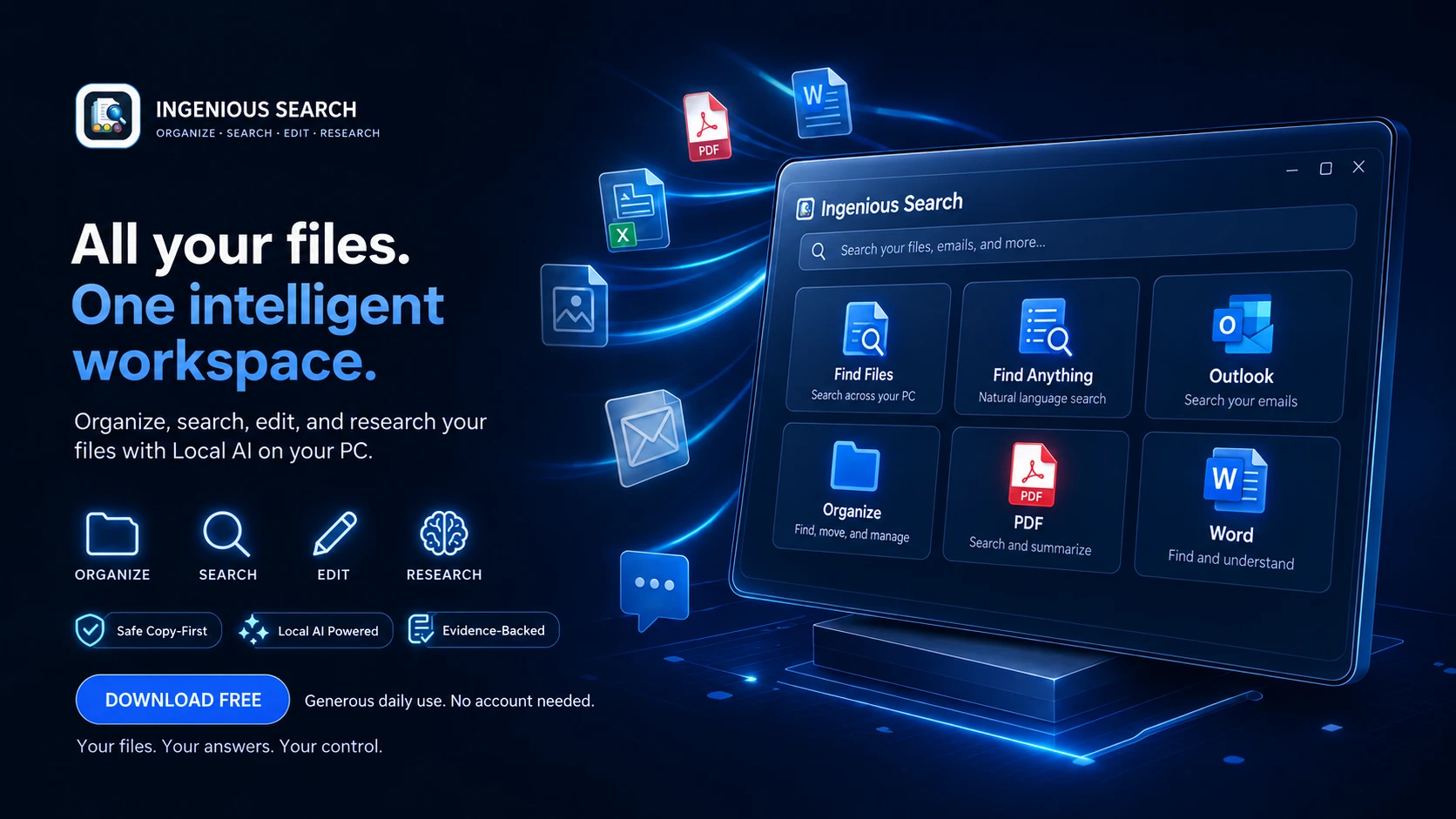
Local AI Powered. Your files. Your PC.
Find files and pictures by their contents, search classic Outlook, organize documents and music, and edit PDF and Word files. Download Free for generous daily use with Local AI on your PC. Subscribe only when you want more.
No account. No payment details. All core tools included.
Every
day: 12 searches, 2 organization operations, 3 PDF editing sessions and 20 PDF viewing
sessions. All Free AI runs locally.
Who it is for
From input to outcome
Keep working while time-consuming tasks run in the background, including Local AI downloads, picture indexing, update checks and support submissions.
Graphics rendering performance improved by 84%, with smoother screen changes and a more responsive workspace.
Find Files combines folder scopes, filename, category, extension, size, date and content filters.
Find Anything searches files and pictures by their contents, shows large previews and explains why each result matched. Answers link to evidence you can inspect.
Search classic Outlook mail and attachments, then compose, reply or forward after reviewing recipients.
Organize safely with copy as the default, optional moves, undo and recovery, plus a review of uncertain classifications before you correct them.
Ingenious Music Organizer helps correct song names and tags, unify artist and album spellings, find duplicates and create organized copies with undo. Review suggestions before applying them.
Edit PDF text and images, fill forms, place signatures, arrange pages, run local OCR and reduce PDF size. Print with a preview, page ranges, scaling, paper orientation and per-side margins.
Guided Chrome PDF Extension setup adds PDF viewing, saving and print-layout controls in Chrome 151 or later.
Open and edit Word documents, work with forms, and export documents from the same workspace.
Set up Local AI with resumable background downloads, progress and time-left estimates. Compatible dedicated graphics cards can accelerate Local AI, with automatic CPU fallback.
Receive signed software updates for free, without registration.
All core desktop tools are available in Free, with generous daily allowances. Local AI runs on your PC. Premium expands your use with unlimited local workflows and completely optional cloud AI.
Trust and control
Product screens are kept separate from page labels for clear reading.
Built for your Windows PC
Compatible with 64-bit Windows 10 and Windows 11. Start with the desktop tools, then use the guided setup to add a Local AI model that fits your PC.
| What you need | Minimum / starting point | Recommended |
|---|---|---|
| Processor | 64-bit Intel or AMD processor capable of running Windows 10 or 11 | Modern quad-core Intel Core i5 / AMD Ryzen 5 or better for Local AI and large libraries |
| Memory (RAM) | 4 GB for desktop tools; 8 GB for the smaller Gemma Local AI model | 16 GB or more for the recommended Gemma model, Windows and other apps |
| Free disk space | Allow 1 GB for the app and installation; Local AI downloads add about 3.4 GB (smaller Gemma) or 5.2 GB (recommended Gemma), plus temporary space | SSD with 10 GB or more free for the app and one model; allow additional space for indexes, copies and large libraries |
| Graphics | CPU processing is supported; a dedicated graphics card is optional | A compatible Vulkan graphics card can accelerate Local AI; the app falls back to CPU when needed |
| Internet | Needed for the installer, model downloads and updates; local file tools and Local AI work offline after setup | Internet is also needed when you choose connected email, Premium activation or optional cloud AI |
Model setup checks memory and available storage. Performance depends on your processor, model and library size. A smaller basic model is also available for lower-resource PCs.
Your files stay under your control
All AI use in Free happens on your PC. Your files, search index, settings and saved form answers stay locally stored. Ingenious Search does not upload your library or create a cloud backup.
Desktop credentials and connection tokens are stored locally, with Windows protection used for sensitive stored credentials. Connected email still uses your existing email provider and its own storage.
Premium keeps Local AI available and adds the choice of managed cloud AI. Only when you approve a cloud request is the selected prompt and supporting content sent for processing. Local AI never silently switches to cloud processing.
An optional Ingenious account, billing, licensing, support requests and cloud usage records are handled online. Cloud providers process content you choose to send under their applicable policies. This is separate from the local storage of your files and desktop credentials.
Privacy Policy · AI & data disclosureDigitally signed by Ingenious, LLC
The official Windows installer, application and uninstaller are digitally signed. Check the publisher in Windows and compare your download with the official SHA-256 checksum.
Right-click the installer, choose Properties → Digital Signatures, and check for Ingenious, LLC. To calculate its SHA-256, open PowerShell in your Downloads folder:
Get-FileHash .\IngeniousSearchSetup-9.86.exe -Algorithm SHA256Compare the result with the downloaded checksum file. Digital signing identifies the publisher; Windows may still show a reputation prompt for a new release.
Optional Ingenious Premium
All core tools are available in Free, with generous daily use and Local AI on your PC. Premium expands those tools with unlimited local workflows and the option of cloud AI.
| What you get | Free — $0 | Ingenious Premium |
|---|---|---|
| Core desktop tools | File and picture search, email search, organization, PDF and Word tools | The same tools with expanded use |
| Completed searches across tabs | 12/day | Unlimited local use |
| File organization | 2 operations/day | Unlimited local use |
| PDF editing | 3 document sessions/day | Unlimited sessions |
| Dedicated PDF viewing | 20 sessions/day | Unlimited sessions |
| Local AI Powered | Included, within Free workflow allowances | Included with unlimited local workflows |
| Optional cloud AI | All AI use is local | 200 shared cloud AI actions each month, only if you choose to use them |
| Account | No account or payment details needed | One Ingenious account, up to three devices |
| Signed software updates | Included for free | Included |
Allowances reset at local midnight. Editing, saving, undo and exporting remain available throughout an admitted PDF editing session. Embedded previews do not count as viewing sessions. Word has no separate daily quota. Local AI never spends cloud actions.
Download Free for WindowsLimited-time offer · ends December 15, 2026
Enroll through December 15, 2026 at 11:59 p.m. Eastern. New subscriptions are $9/month or $72/year from December 16, 2026.
Keep your $5/month or $50/year rate while continuously subscribed. Eligible web checkouts opened before the deadline have 30 minutes to finish.
Cloud processing is completely optional. Review the selected content and action cost before approving a cloud request. The 200 monthly actions are shared across eligible apps, expire each month and are separate from unlimited local use.
Up to 200 questions or follow-ups
Answers with sources you can open.
1 action per questionUp to 50,000 files or emails
Find the details hidden in your library.
1 action per batch of up to 250Up to 25,000 files categorized
Make sense of years of accumulated files.
1 action per batch of up to 125Up to 1,500 pages
Use the advanced model on scanned pages.
2 actions per batch of up to 15 pagesUp to 500 pages
Turn a page image into fields you can fill.
2 actions per batch of up to 5 pagesUp to 200 document analyses
Up to 15 approved page previews per analysis.
1 action per analysisThese are alternative ways to spend the same monthly allowance, using full batches. Smaller batches round up. Each question or follow-up uses an action. You see the cost before approving.
Cancellation preserves access through your paid-through date. Activate Search during paid membership to register it permanently: registered local workflows remain unlimited after ordinary expiry. Monthly actions and cloud features requiring active Premium stop. Unregistered Free use remains available with daily allowances.
Included cloud actions are used first and do not roll over. Optional $4.50 packs of 50 Search actions never expire and are never purchased automatically. Saved packs remain for your next active subscription.
Payment recovery on the same subscription preserves its price. After termination, a new subscription uses the current offer. Full refunds or payment reversals remove benefits funded solely by that payment.
After checkout, sign in to Ingenious Search with the same email. Access restores automatically, or choose License → Refresh Subscription Status. Manage Premium.
Product updates
Product work
PDF editing, forms, remembered answers, signatures, OCR and reduction are available in 9.44. Broader clean Windows and complex-document acceptance work continues.
Signed Ingenious Search 9.75 downloads and updates are available. Ingenious Premium is available through the current offer. Continue improving installation and update reliability.
Broaden clean-install, upgrade, high-DPI, keyboard, screen-reader, Windows 10, and Windows 11 evidence.
Keep first scans and incremental updates responsive for customers with years of files and mail.
Improve provider sign-in and the guided customer-owned connection setup included in 9.44, with clear permissions and recovery when provider requirements prevent a connection.
Improve blank detection, reusable field mappings, and review controls for complex customer forms.
No. Install and use Free immediately. Sign in through the hosted email-code flow to subscribe and restore purchases.
Reopening a PDF for editing starts a session. Dedicated viewing starts a viewing session; embedded previews do not. Completed searches, including zero results and successful follow-up questions, count across all search tabs. An organization operation counts when it changes files. Failures do not count; saving, undo and recovery remain available. Counters reset at local midnight.
No separate Word quota is introduced. PDF operations opened from any entry point still use the PDF limits.
Free AI stays on your PC. Guided Local AI installation helps select a suitable model. When subscribed, you can deliberately use managed Ingenious AI, which sends the selected prompt and supporting content to our AI service and its model providers. It never silently replaces Local AI with cloud processing.
Yes. Many time-consuming tasks now run in the background, including Local AI downloads, picture indexing, update checks and support submissions. You can close the Local AI setup window and continue using the main app while the download progresses. Downloads can be paused and resumed. Screens are also prepared while the app is idle for smoother navigation.
Yes. After Local AI picture-search setup and indexing, describe what the picture shows, such as mountains and a lake. Find Anything searches the visual content on your PC, previews matching pictures and explains the matches.
The reviewed organization workflow creates copies with your chosen folder layout, file names and corrected tags. Originals stay unchanged, and Undo Copies removes the copies created by that operation. Local tools can read tags and filename clues; optional Local AI helps interpret unclear names. Review uncertain suggestions before approving them.
Open Chrome PDF Extension setup in Settings. Ingenious Search prepares the bundled extension and guides you through loading it in Chrome 151 or later. It is a guided local installation, not a Chrome Web Store download.
Subscribe through December 15, 2026 at 11:59 p.m. Eastern for $5/month or $50/year. New subscriptions are $9/month or $72/year from December 16. Keep your introductory rate while continuously subscribed, including scheduled plan changes and successful payment recovery. Eligible checkouts opened before the deadline have 30 minutes to finish.
Gmail is disabled in this public release. Classic Outlook search is available; the new Outlook app is not the classic Outlook integration.
Use Manage billing in your account. Access continues through the paid-through date. Search activated while paid stays permanently registered with unlimited non-cloud workflows; monthly actions and active-Premium cloud features stop at expiry. Purchased actions remain saved for a future active subscription. Software updates stay free. Refund requests and receipts are available through Ingenious Tools.
Subscribe once and use your monthly Ingenious Premium actions across eligible Ingenious apps. Install and sign in while your paid membership is active to register each eligible app permanently. If your membership ends, those apps stay registered; your monthly actions and features requiring active Premium stop. Ingenious Search is available now. Ingenious Notifications and Ingenious Voice are coming soon.
Publisher kit: official graphics, screenshots, feature copy, and signed download
Free updates for everyone
Download Free for generous daily use and Local AI on your PC. Subscribe only when you want more.